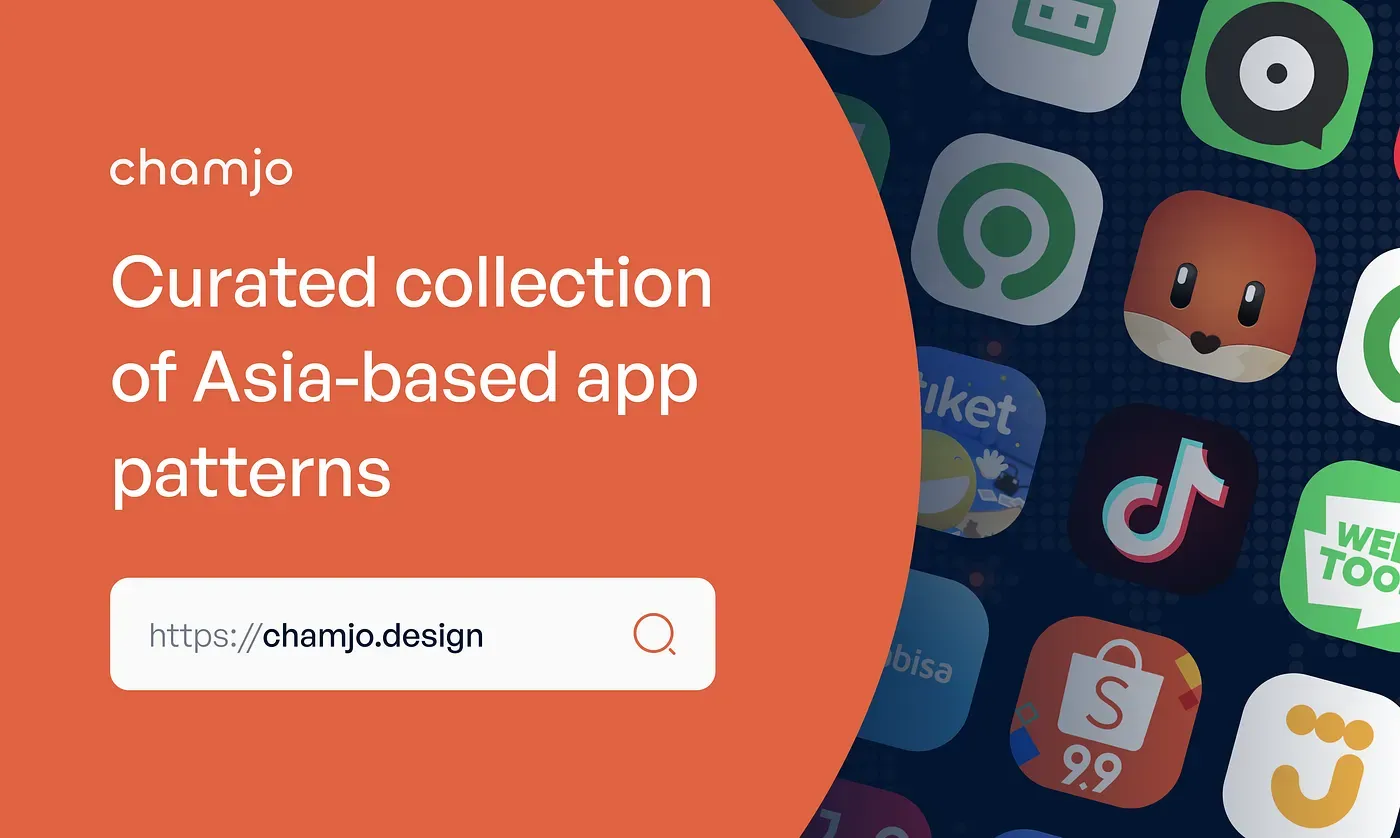
Integrating Lemon Squeezy Payments in Next.js
Chamjo Design started as a free app directory. Then I wanted to add a premium tier -- unlimited downloads, no ads, priority support.
After comparing Stripe, Paddle, and Lemon Squeezy, I chose Lemon Squeezy. Here's why and how I integrated it.
Why Lemon Squeezy?
Three reasons:
- Merchant of Record -- they handle taxes globally. No need to register in every country where you have customers.
- Simple pricing -- 5% + 50¢ per transaction. No hidden fees.
- Built for SaaS -- checkout overlays, subscription management, license keys, all out of the box.
For an indie developer building a side project, this matters. I didn't want to spend weeks on tax compliance.
The Integration Architecture
I split the work into three layers:
Configuration Layer
- API keys and store ID
- Product and variant IDs
- Webhook secrets
API Layer
- Create checkout session
- Get subscription status
- Handle webhooks
UI Layer
- Pricing page with plan selection
- Billing management (cancel, upgrade)
- Order history
Configuration Setup
First, I created a config file for all Lemon Squeezy related values:
1export const lemonSqueezyConfig = {
2  apiKey: process.env.LEMONSQUEEZY_API_KEY,
3  storeId: process.env.LEMONSQUEEZY_STORE_ID,
4  products: {
5    monthly: {
6      productId: '12345',
7      variantId: '67890',
8    },
9    yearly: {
10      productId: '12345',
11      variantId: '67891',
12    },
13  },
14}
These values come from the Lemon Squeezy dashboard. Never hardcode API keys in your code -- use environment variables.
Creating Checkout Sessions
When a user clicks "Subscribe", I redirect them to Lemon Squeezy's hosted checkout. But first, I need to create a checkout URL:
1async function createCheckoutSession(variantId, userEmail) {
2  const response = await fetch(
3    'https://api.lemonsqueezy.com/v1/checkouts',
4    {
5      method: 'POST',
6      headers: {
7        'Authorization': `Bearer ${apiKey}`,
8        'Content-Type': 'application/vnd.api+json',
9      },
10      body: JSON.stringify({
11        data: {
12          type: 'checkouts',
13          attributes: {
14            checkout_data: {
15              email: userEmail,
16            },
17          },
18          relationships: {
19            store: {
20              data: { type: 'stores', id: storeId }
21            },
22            variant: {
23              data: { type: 'variants', id: variantId }
24            },
25          },
26        },
27      }),
28    }
29  )
30
31  const { data } = await response.json()
32  return data.attributes.url
33}
34
The URL redirects users to a payment page hosted by Lemon Squeezy. They handle card processing, 3D Secure, and receipt emails.
Handling Webhooks
After payment, Lemon Squeezy sends a webhook to my server. This is how I know a subscription was created, updated, or cancelled.
1export async function POST(request) {
2  const body = await request.text()
3  const signature = request.headers.get('x-signature')
4
5  // Verify the webhook signature
6  if (!verifySignature(body, signature, webhookSecret)) {
7    return new Response('Invalid signature', { status: 401 })
8  }
9
10  const event = JSON.parse(body)
11
12  switch (event.meta.event_name) {
13    case 'subscription_created':
14      await handleSubscriptionCreated(event.data)
15      break
16    case 'subscription_cancelled':
17      await handleSubscriptionCancelled(event.data)
18      break
19    case 'subscription_expired':
20      await handleSubscriptionExpired(event.data)
21      break
22  }
23
24  return new Response('OK', { status: 200 })
25}
The webhook handler updates the user's subscription status in my database. I store the subscription ID, status, and expiry date.
The CORS Problem
Lemon Squeezy's API doesn't allow browser requests. You can't call their API directly from a React component. I hit this wall early.
The solution: Create server-side API routes that proxy the requests.
1// Client calls your API
2fetch('/api/checkout', { method: 'POST' })
3
4// Your API calls Lemon Squeezy
5fetch('https://api.lemonsqueezy.com/v1/checkouts', { ... })
6
7// Return the checkout URL to the client
8return { checkoutUrl }
This also keeps your API keys secure -- they never leave the server.
Subscription Status in React
I needed to know if a user is subscribed to gate premium features. I added subscription data to the auth hook:
1const { user, subscription, isLoading } = useAuth()
2
3if (subscription?.status === 'active') {
4  // Show premium content
5}
The subscription object contains:
1{
2  id: 'sub_123',
3  status: 'active',
4  plan: 'monthly',
5  expiresAt: '2025-11-19',
6  cancelAtPeriodEnd: false,
7}
I refetch subscription data after checkout completes and on page load.
What I Learned
Start with webhooks. Without webhooks, you can't reliably track subscription state. Set them up first.
Use the test mode. Lemon Squeezy has a test environment. Use it. Test cards: 4242 4242 4242 4242.
Handle all subscription events. Users cancel, cards expire, payments fail. Handle each event type or your data will drift.
Cache subscription data. Don't fetch from Lemon Squeezy on every page load. Store it in your database, update via webhooks.
What's Next
The initial integration worked, but the code was scattered. Checkout logic lived in the pricing component. Subscription fetching happened in multiple places.
The next article covers how I refactored this into a cleaner, subscription-aware hook architecture.

Comments (3)
Kita support guys untuk chamjo subs nya 💪🏼
Good job for Chamjo guys!. But I think Lemon is more expensive than other payment gateways
Thanks for sharing. I think, you should try https://polar.sh/
Subscribe to Newsletter
Get the latest posts delivered straight to your inbox.